
Open Source
Explore the latest AI open-source projects from GitHub and HuggingFace.
Explore the latest AI open-source projects from GitHub and HuggingFace.
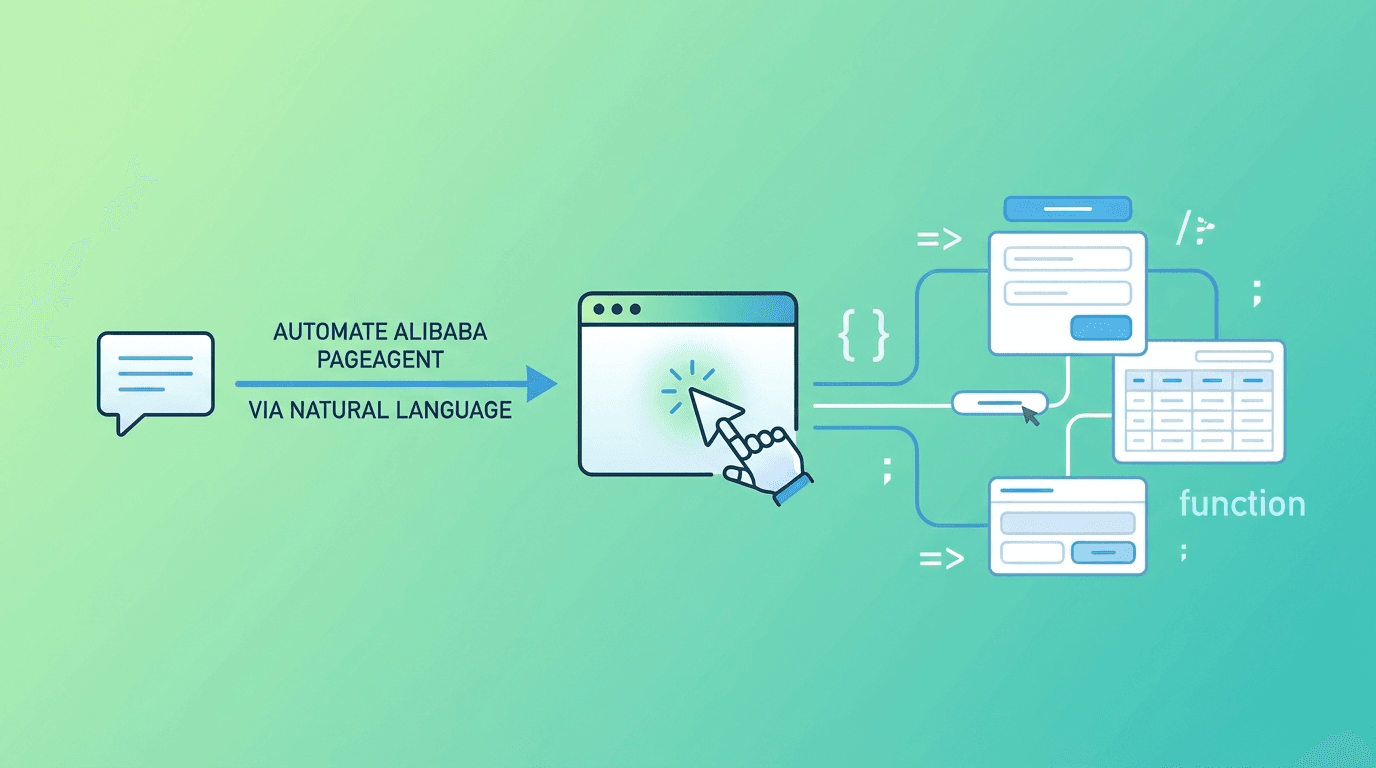
Alibaba has released PageAgent, a JavaScript-based GUI agent that lives directly inside web pages and enables natural language control of web interfaces. Unlike traditional web automation tools that rely on browser extensions, headless browsers, or screenshot-based approaches, PageAgent operates entirely within the page using text-based DOM manipulation. This approach eliminates the need for multimodal LLMs, OCR, or external dependencies.
Released under the MIT license, PageAgent reached version 1.5.2 and is currently trending on GitHub with over 1,400 stars and 137 new stars gained in a single day.
PageAgent's most distinctive characteristic is its architectural decision to run entirely within the browser page. There is no Python backend, no headless browser process, and no screenshot pipeline. The agent interacts with the DOM directly through text-based analysis, which makes it significantly lighter and faster than alternatives that depend on visual processing.
PageAgent supports a bring-your-own-model approach. Developers can connect any LLM backend, including Alibaba's Qwen, OpenAI, or self-hosted models, through a simple configuration object. This flexibility means teams are not locked into a single AI provider.
const agent = new PageAgent({
  model: 'qwen3.5-plus',
  baseURL: 'https://dashscope.aliyuncs.com/compatible-mode/v1',
  apiKey: 'YOUR_API_KEY',
  language: 'en-US'
})
await agent.execute('Click the login button')
For enterprise and production scenarios, PageAgent includes an interactive approval workflow. Before the agent executes potentially destructive actions, it can present a confirmation dialog to the user. This addresses a critical trust barrier in autonomous web agents.
While the core library operates within a single page, an optional Chrome extension enables cross-tab automation. This allows PageAgent to coordinate actions across multiple browser tabs, making it suitable for complex workflows that span several pages.
| Use Case | Description | Benefit |
|---|---|---|
| SaaS AI Copilot | Embed directly in products with no backend rewrite | Ship AI features fast |
| Smart Form Filling | Turn 20-click workflows into one sentence | ERP, CRM, admin systems |
| Accessibility | Natural language commands for any web app | Voice commands, screen readers |
| Browser Automation | Cross-tab coordination via extension | Complex multi-page workflows |
PageAgent is built as a TypeScript monorepo (82.3% TypeScript, 11.0% JavaScript, 6.2% CSS) with 652 commits on the main branch. The DOM processing pipeline derives components from the browser-use project (MIT Licensed), adapted for the in-page execution model.
Installation is straightforward via npm:
npm install page-agent
PageAgent represents a pragmatic approach to web GUI agents. By staying inside the page and avoiding the overhead of screenshots, OCR, and external browsers, it achieves a level of simplicity and performance that makes it immediately practical for product teams. The flexible LLM backend support and human-in-the-loop design make it a strong candidate for enterprise deployments where trust and control are non-negotiable.
OpenClaw is an open-source, local-first AI gateway with 366K GitHub stars that routes AI responses through WhatsApp, Telegram, Slack, Discord, iMessage, Teams, and 15+ other platforms — zero cloud dependency.

OpenClaw
Open-source personal AI assistant connecting to 13+ messaging platforms with local gateway architecture, voice support, and multi-agent routing.