
Open Source
Explore the latest AI open-source projects from GitHub and HuggingFace.
Explore the latest AI open-source projects from GitHub and HuggingFace.
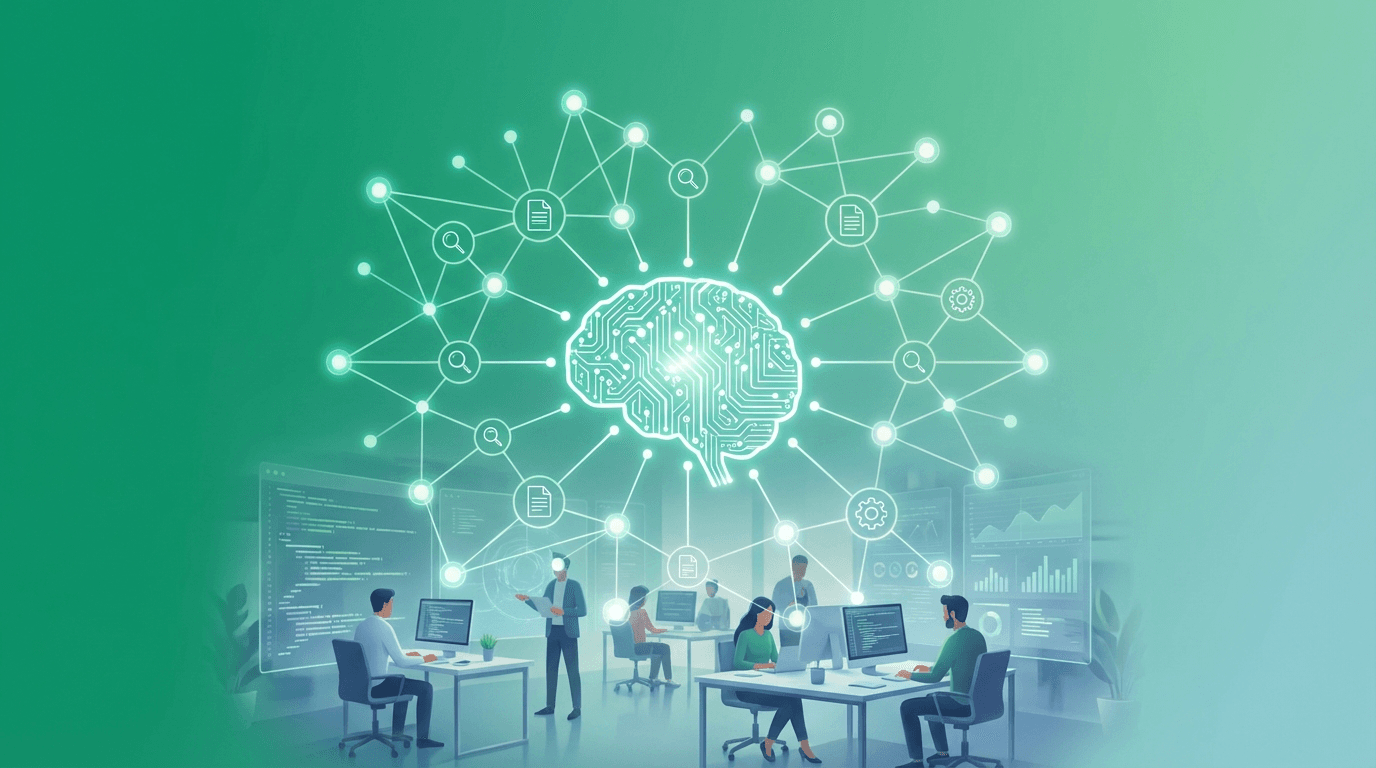
Rowboat is an open-source, local-first AI coworker that connects to email, meeting notes, and documents to build a persistent knowledge graph and help users get work done privately on their own machines. With 6.9k GitHub stars and Apache 2.0 licensing, it has quickly become one of the most watched projects in the personal AI productivity space, backed by Y Combinator.
Most AI assistants treat every conversation as a blank slate. They can answer questions and generate text, but they forget everything the moment a session ends. Reconstructing context by searching through transcripts, email threads, and meeting notes is inefficient and error-prone.
Rowboat takes a fundamentally different approach. Instead of reconstructing context on demand, it maintains a living knowledge graph that accumulates understanding over time. Every interaction, every meeting note, every email exchange contributes to a growing web of connected knowledge that the AI can draw upon instantly.
At the core of Rowboat is a persistent knowledge graph stored as plain Markdown files with backlinks. This is not a proprietary database locked inside the application. The vault is fully compatible with Obsidian, meaning users can browse, edit, and extend their knowledge base with any Markdown editor. Relationships between people, projects, decisions, and commitments are explicit and inspectable.
This transparency is a deliberate design choice. Users can see exactly what Rowboat remembers, correct mistakes, and add context that the AI might have missed. The knowledge graph becomes a shared artifact between human and AI, not a black box.
The repository contains three distinct applications. The Desktop Application handles personal knowledge management with a native interface. The Web Application supports team workflow orchestration for collaborative environments. The CLI Tool enables automation and deployment for power users and scripted workflows.
Rowboat works with local models through Ollama and LM Studio, as well as hosted providers. This means users can run entirely offline for maximum privacy or connect to cloud models when they need more capability. The choice is left to the user, not dictated by the platform.
The platform is extensible via Model Context Protocol, allowing users to plug in external tools and services. Supported integrations include search engines like Brave Search and Exa, communication tools like Slack, project management tools like Linear and Jira, and developer tools like GitHub.
Rowboat can draft briefs, emails, documents, and PDF slides grounded in the user's actual context. Because it has access to the knowledge graph, generated content references real people, real projects, and real decisions rather than generic templates.
The voice notes feature records audio and automatically extracts key takeaways, adding them to the knowledge graph. Integration with Deepgram provides high-quality transcription, and the extracted information is immediately available for future reference.
Routine tasks like email drafting, project status updates, and meeting preparation can be delegated to background agents that run automatically. These agents operate within the context of the knowledge graph, ensuring their output is relevant and accurate.
Rowboat connects to Google services including Gmail, Calendar, and Drive. Meeting notes can be imported from Granola and Fireflies. Web research is supported through Brave Search or Exa integration.
Rowboat's local-first architecture means all data stays on the user's machine by default. There is no mandatory cloud sync, no telemetry, and no data leaving the device unless the user explicitly configures an external integration. For teams and organizations with strict data handling requirements, this is a significant advantage over cloud-dependent alternatives.
Rowboat is available for Mac, Windows, and Linux via direct download from the official website. The installation process is straightforward, and users can begin building their knowledge graph immediately by connecting their email and starting to interact with the AI.
Meeting preparation benefits from Rowboat's ability to surface past decisions, open questions, and relevant context before a meeting starts. Email composition is informed by historical interactions, reducing the time spent searching for reference material. Document generation produces output grounded in actual project data rather than generic content. Decision tracking maintains an auditable record of what was decided, when, and why.
The knowledge graph requires time to build up useful depth. Early interactions may not demonstrate the full value proposition until enough context has accumulated. Local model performance depends on the user's hardware, and smaller models may struggle with complex reasoning tasks. The project is still in active development, and some integrations are more mature than others. Team collaboration features through the web application are less developed than the desktop experience.
Rowboat occupies a unique position in the AI productivity space. Unlike cloud-first assistants that prioritize convenience over privacy, Rowboat prioritizes data sovereignty while still delivering practical AI capabilities. The Y Combinator backing and rapid GitHub star growth suggest strong market validation for this approach.
OpenClaw is an open-source, local-first AI gateway with 366K GitHub stars that routes AI responses through WhatsApp, Telegram, Slack, Discord, iMessage, Teams, and 15+ other platforms — zero cloud dependency.
OpenClaw
Open-source personal AI assistant connecting to 13+ messaging platforms with local gateway architecture, voice support, and multi-agent routing.