
Open Source
Explore the latest AI open-source projects from GitHub and HuggingFace.
Explore the latest AI open-source projects from GitHub and HuggingFace.
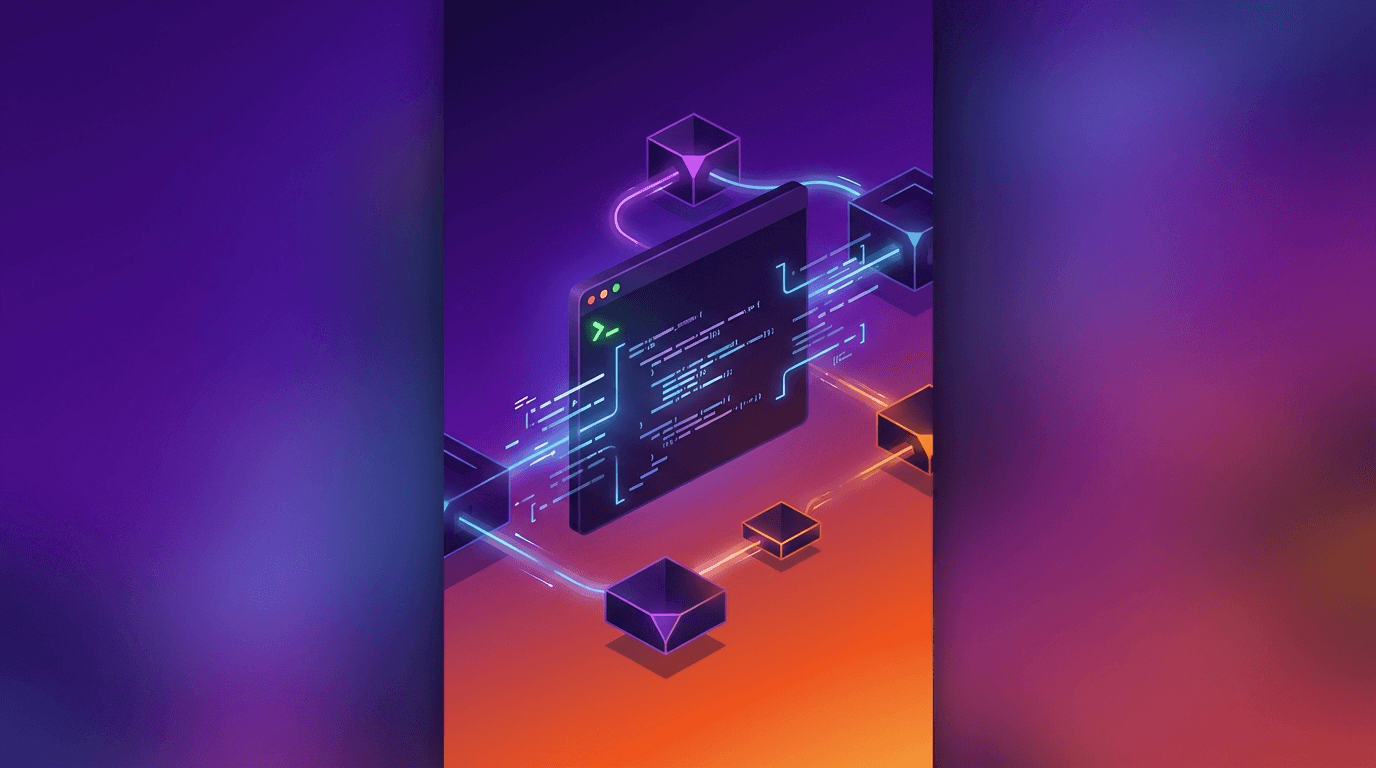
Mistral Vibe is a command-line coding assistant powered by Mistral's models, offering an interactive conversational interface to your codebase. With the recent Vibe 2.0 release, it introduces custom subagents, multi-choice clarifications, and slash-command skills.
In a crowded field of AI coding assistants, Mistral Vibe differentiates itself through its Mistral-native optimization and a thoughtful approach to developer interaction. Rather than executing actions immediately and asking for forgiveness later, Vibe 2.0 introduces multi-choice clarifications where the agent presents options and asks before acting. This design philosophy reduces the anxiety that comes with giving an AI agent write access to your codebase.
The project is open source under Apache 2.0, backed by Mistral AI's engineering team, and powered by the Devstral 2 model specifically designed for coding tasks.
The 2.0 release represents a major architectural upgrade. Custom subagents allow users to define specialized agents for specific tasks like deployment, testing, or documentation generation. These subagents can be composed into workflows, enabling complex multi-step operations without leaving the terminal.
Slash-command skills provide preconfigured workflows that can be triggered with simple commands. A /deploy skill might run tests, build the project, and push to production. A /lint skill might fix formatting issues across the entire codebase. These skills are extensible and follow the Agent Skills specification.
Mistral Vibe ships with a comprehensive set of built-in tools. File operations include read_file, write_file, and search_replace for precise code modifications. The stateful terminal execution means shell state persists across commands, eliminating the friction of setting up environments repeatedly.
Recursive code search leverages ripgrep for fast, regex-capable searching across large codebases. Todo list management helps track multi-step tasks during complex refactoring sessions. The subagent task delegation system enables parallel execution of independent tasks.
Vibe automatically scans your project's file structure and Git status when entering a directory. This context awareness means it understands your project layout without explicit configuration. It recognizes common project types, build systems, and framework conventions, adjusting its behavior accordingly.
Configuration lives in ~/.vibe/config.toml, providing granular control over model selection, provider settings, and tool permissions. The trust folder system restricts which directories the agent can modify, providing a security boundary for sensitive codebases.
Tool management supports pattern-based enabling and disabling using glob and regex patterns. This means teams can create standardized profiles that restrict dangerous operations while allowing productive ones.
Installation is minimal. A single curl command handles Linux and macOS. Python users can install via uv tool install mistral-vibe or pip install mistral-vibe. Python 3.12 or later is required.
For the best terminal experience, the documentation recommends modern terminal emulators like WezTerm, Alacritty, Ghostty, or Kitty.
Vibe 2.0 is available on Le Chat Pro and Team with pay-as-you-go or bring-your-own-key pricing. Devstral 2 API access is available through Mistral's paid tier. The open-source CLI remains freely available.
Mistral Vibe is tightly coupled to Mistral's model ecosystem. While it can technically work with other providers, the tool-calling and agentic features are optimized for Devstral 2 and may degrade with alternative models. The Python 3.12 requirement may be a barrier on systems with older Python installations. At 3.1k stars, its community is smaller than competitors like Claude Code or Cursor, which means fewer community-contributed skills and plugins.
OpenClaw is an open-source, local-first AI gateway with 366K GitHub stars that routes AI responses through WhatsApp, Telegram, Slack, Discord, iMessage, Teams, and 15+ other platforms — zero cloud dependency.
OpenClaw
Open-source personal AI assistant connecting to 13+ messaging platforms with local gateway architecture, voice support, and multi-agent routing.