
Open Source
Explore the latest AI open-source projects from GitHub and HuggingFace.
Explore the latest AI open-source projects from GitHub and HuggingFace.
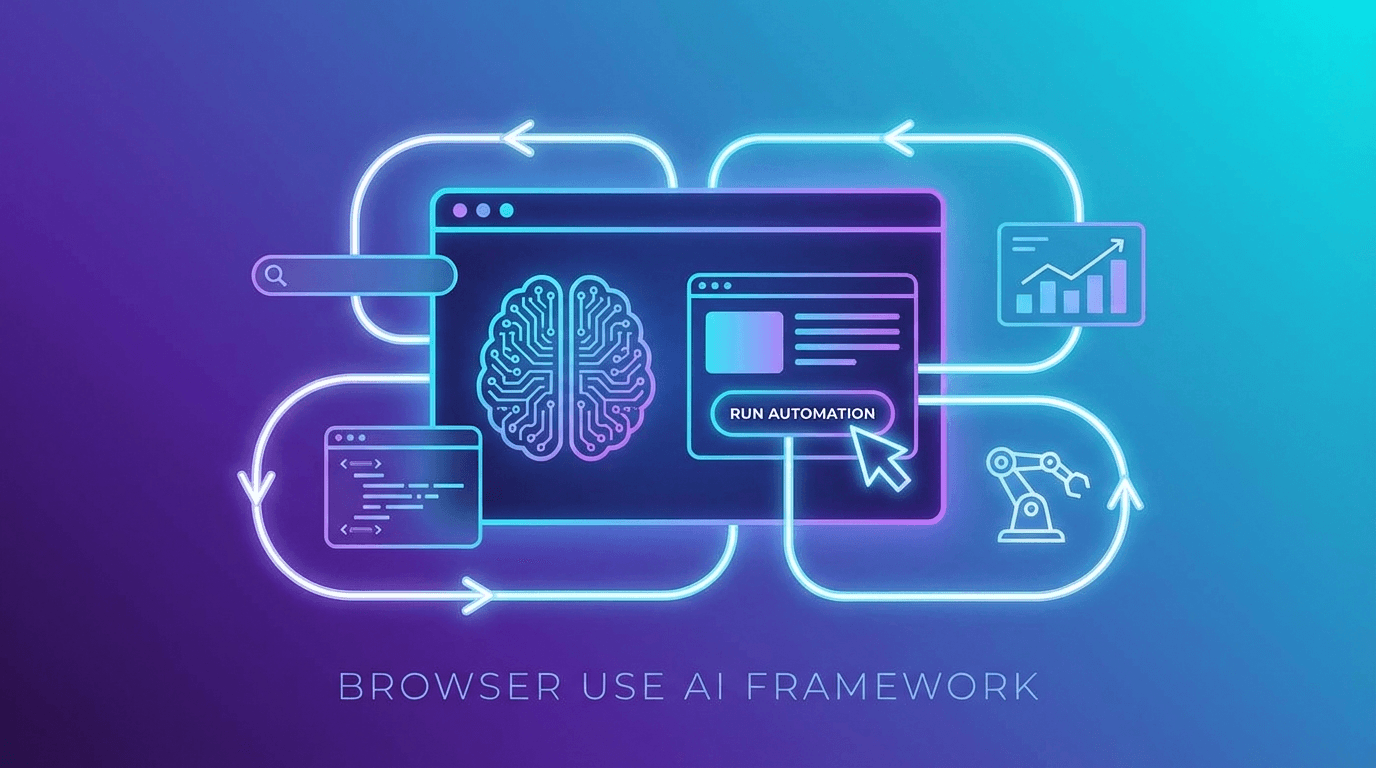
Browser Use is an open-source Python framework that makes websites accessible for AI agents, enabling automated task completion on the web with minimal configuration. With 78.4k GitHub stars and MIT licensing, it has become the leading open-source solution for AI-powered browser automation, claiming 3-5x faster task completion than competing approaches.
Traditional browser automation tools like Selenium and Playwright require developers to write explicit selectors, handle dynamic content, and maintain brittle scripts that break whenever a website changes its layout. AI-powered browser automation takes a fundamentally different approach: instead of hardcoding interactions, an LLM observes the page, understands the task, and decides what actions to take in real time.
Browser Use sits at the intersection of these two worlds. It provides the low-level browser control primitives that production systems need while delegating decision-making to an LLM of the developer's choice.
At its core, Browser Use creates a bridge between AI agents and the Chromium browser engine. The framework captures page state, including DOM structure, visual layout, and interactive elements, and presents it to the LLM in a format optimized for decision-making. The LLM returns actions like clicking, typing, scrolling, or navigating, which Browser Use executes through Playwright.
This architecture means the agent can handle websites it has never seen before. Unlike traditional scrapers that need custom code for each site, a Browser Use agent can navigate unfamiliar interfaces by reasoning about what it sees.
Browser Use supports multiple LLM providers including OpenAI, Anthropic Claude, Google Gemini, and locally hosted models. The framework includes ChatBrowserUse, its own optimized model for browser tasks, but developers can swap in any compatible LLM.
Developers can extend the agent's capabilities by registering custom tools. For example, a data extraction tool could save scraped information to a database, or a notification tool could alert users when a specific condition is met on a monitored page.
Browser Use supports real browser profile reuse, meaning agents can maintain login sessions, cookies, and browsing history across runs. This is critical for automation tasks that require authentication, such as managing social media accounts, processing orders, or monitoring dashboards.
Multiple agents can run simultaneously, each in its own browser instance. This enables batch processing scenarios like monitoring dozens of competitor pricing pages, filling out forms across multiple platforms, or running parallel research tasks.
The cloud deployment option includes stealth browser capabilities that avoid detection by anti-bot systems. This uses techniques like randomized timing, realistic mouse movements, and browser fingerprint management to appear as a regular user.
A command-line interface provides persistent browser control for interactive agent sessions. Developers can start a session, issue natural language commands, observe results, and refine their approach in real time.
Browser Use claims an 89% success rate on browser automation benchmarks, completing tasks 3-5x faster than competing approaches. The framework ships daily updates, with 8,572 commits reflecting an aggressive development pace.
The project's success has attracted significant attention from the enterprise automation market, which is projected to grow from $4.5 billion in 2024 to $76.8 billion by 2034.
Getting started requires Python 3.11 or later. Installation is straightforward with the uv package manager:
uv add browser-use
uvx browser-use install
The install command handles Chromium browser setup automatically. A basic agent can be created in under 10 lines of Python code, making the barrier to entry remarkably low.
Browser Use enables a wide range of automation scenarios. Research tasks can be delegated to agents that search, compare, and summarize information from multiple websites. E-commerce monitoring can track prices, inventory, and reviews across competitors. Form filling and data entry can be automated for repetitive administrative workflows. QA testing can use natural language descriptions of expected behavior instead of coded test scripts.
Browser automation through LLMs adds latency compared to traditional scripted approaches, as each action requires an LLM inference call. Complex multi-step workflows can accumulate errors if the agent misinterprets a page state. Anti-bot detection systems continue to evolve, and no stealth approach provides permanent immunity. Cost per task can be significant when using cloud LLM providers for high-volume automation.
Browser Use leads the open-source AI browser automation space, ahead of alternatives like Skyvern (which uses vision LLMs), Stagehand by Browserbase, and Vercel's agent-browser. Its combination of MIT licensing, multi-LLM support, and active community development has established it as the default choice for developers building browser-aware AI agents.
OpenClaw is an open-source, local-first AI gateway with 366K GitHub stars that routes AI responses through WhatsApp, Telegram, Slack, Discord, iMessage, Teams, and 15+ other platforms — zero cloud dependency.

OpenClaw
Open-source personal AI assistant connecting to 13+ messaging platforms with local gateway architecture, voice support, and multi-agent routing.