
Google Pushes Gemini Deep Into Workspace: AI-Powered Drafts, Spreadsheets, and Drive Search
Google launches Gemini integration across Docs, Sheets, Slides, and Drive, enabling AI-generated drafts from Gmail and Drive data, auto-populated spreadsheets, and intelligent file search.
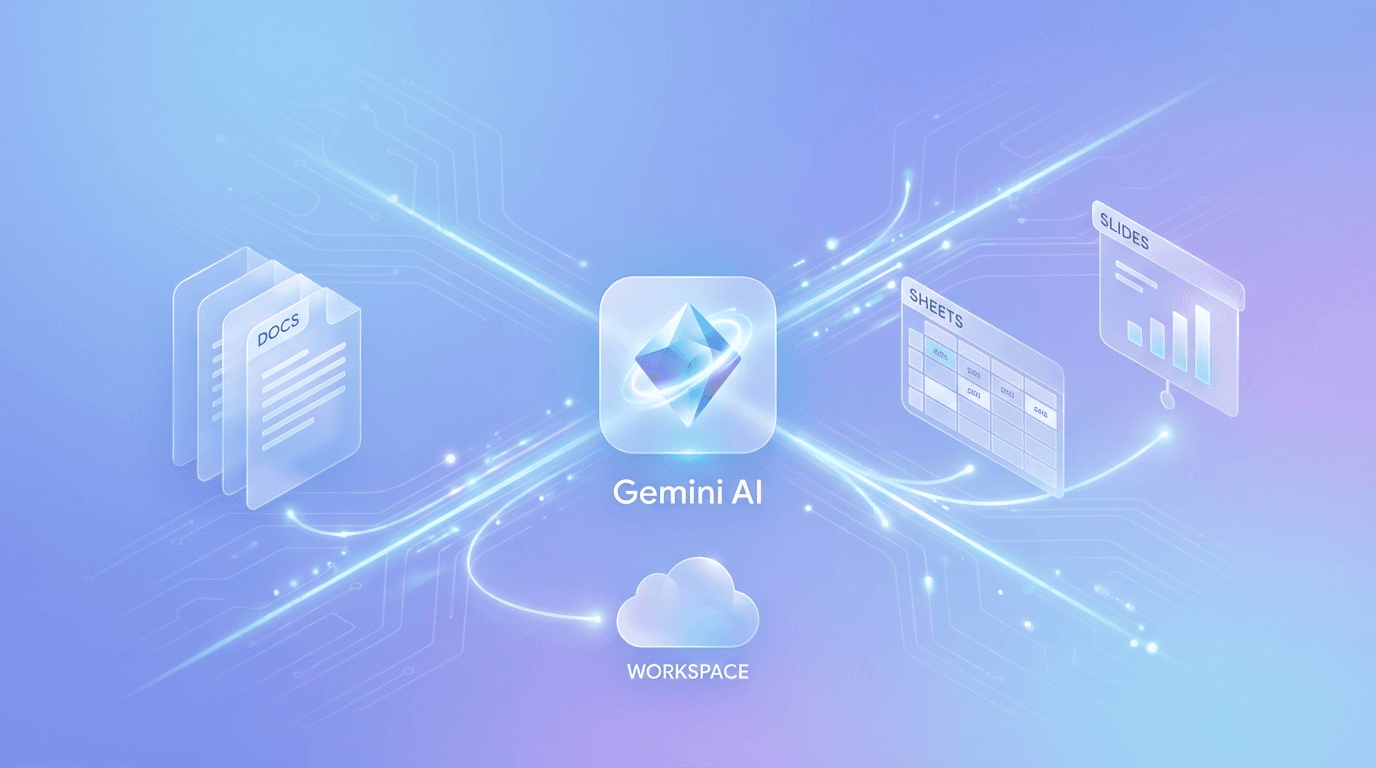
Google launches Gemini integration across Docs, Sheets, Slides, and Drive, enabling AI-generated drafts from Gmail and Drive data, auto-populated spreadsheets, and intelligent file search.
From Sidebar to Core Workflow
On March 10, 2026, Google announced a significant expansion of Gemini AI capabilities across its Workspace suite, embedding AI features directly into Google Docs, Sheets, Slides, and Drive. Unlike previous Gemini integrations that operated as separate sidebar tools, these updates place AI generation at the center of document creation workflows. The features are rolling out in beta globally for Google AI Ultra and Pro subscribers, with Docs, Sheets, and Slides support available in English worldwide and Drive features initially limited to the United States.
This release represents Google's most comprehensive push to make Gemini a production tool rather than an experimental add-on. By connecting Gemini to data sources across Gmail, Google Chat, Drive files, and the open web, Google is positioning Workspace as an AI-native productivity platform where documents can be intelligently assembled rather than manually constructed from scratch.
Google Docs: Multi-Source Draft Generation
The centerpiece Docs feature is a new "Help me create" prompt bar that appears at the bottom of the screen. Rather than generating text from a prompt alone, Gemini can now pull information from multiple sources to create structured first drafts. Users can instruct Gemini to draft a project summary using data from a Drive spreadsheet, context from recent Gmail threads, and notes from Google Chat conversations.
The system also introduces writing style matching, which analyzes the tone and voice of existing document sections to maintain consistency across AI-generated additions. A separate format matching feature can apply the layout and structural conventions of a reference document to new content, which is particularly useful for organizations with standardized templates.
These capabilities move Docs beyond simple text generation into contextual document assembly. The ability to synthesize information across email, chat, and file storage into a coherent draft addresses a genuine workflow pain point: the time spent manually gathering and consolidating information from multiple sources before writing begins.
Google Sheets: AI-Generated Spreadsheets and Web Data
The Sheets integration introduces full spreadsheet generation from natural language prompts. Users can describe the data structure they need, and Gemini creates a formatted table complete with headers, formulas, and sample data. For example, requesting a project tracking sheet with budget columns, milestone dates, and status indicators produces a ready-to-use spreadsheet rather than a blank grid.
A standout feature called "Fill with Gemini" populates spreadsheet columns using real-time web data. This enables use cases like building a competitive analysis table where Gemini automatically fills in pricing, feature comparisons, and company details from current web sources. The system can also pull data from emails and Drive files, allowing users to consolidate information from across their Google ecosystem into structured spreadsheet format.
The practical implications for data entry and research workflows are significant. Tasks that previously required switching between browser tabs, emails, and documents to manually compile information can now be initiated with a single prompt.
Google Slides: Theme-Aware Presentation Building
Slides receives theme-aware generation capabilities. When creating new slides within an existing presentation, Gemini matches the visual design language of the current deck, including colors, fonts, and layout patterns. Users can also issue style editing prompts like "make this match the brand colors" to adjust generated slides to their organization's visual identity.
A minimal design option allows users to request streamlined layouts that avoid visual clutter. Google has indicated that full end-to-end presentation generation from a single prompt is planned for a future release, though no specific timeline has been provided.
While the Slides features are less technically ambitious than the Docs and Sheets updates, they address a common frustration: AI-generated slides that look visually disconnected from the rest of a manually created presentation.
Google Drive: Intelligent Search and Cross-Source Answers
Drive receives two significant AI features. An "AI Overview" for search results provides summarized answers with citations when users search for information across their stored files. Rather than returning a list of matching documents, Drive now surfaces a synthesized response that draws from multiple files, similar to Google Search's AI Overviews.
A separate "Ask Gemini in Drive" feature enables natural language queries that cross-reference documents, Gmail, Calendar, and web sources. Users can control which sources inform Gemini's responses, providing selective sourcing that addresses concerns about AI pulling from irrelevant or outdated files.
These features reposition Drive from passive file storage into what Google describes as an "active knowledge base." For organizations with large document repositories, the ability to ask questions across files without opening individual documents could meaningfully reduce information retrieval time.
Availability and Enterprise Considerations
The rollout follows a tiered approach. Google AI Ultra and Pro subscribers receive access first, with Gemini Alpha business customers also included. Enterprise-grade data protections are applied across all features, and Google has confirmed that additional language support beyond English is forthcoming.
| Feature | Availability | Region |
|---|---|---|
| Docs AI Drafting | Beta | Global (English) |
| Sheets Generation | Beta | Global (English) |
| Slides Theme Matching | Beta | Global (English) |
| Drive AI Overview | Beta | US Only |
| Ask Gemini in Drive | Beta | US Only |
The US-only restriction on Drive features is notable, as it limits the most novel capabilities to a single market during the initial rollout.
Competitive Positioning
This release places Google in direct competition with Microsoft's Copilot for Microsoft 365, which has been integrating AI across Word, Excel, PowerPoint, and OneDrive since late 2024. Google's approach differs in its emphasis on cross-application data synthesis, where Gemini pulls from Gmail, Chat, and Drive simultaneously to inform document creation. Microsoft's Copilot offers similar cross-app capabilities through Microsoft Graph, but Google's integration of real-time web data into Sheets via "Fill with Gemini" represents a differentiating feature that goes beyond internal data sources.
The pricing tier requirement (AI Ultra or Pro subscription) follows the established pattern of AI productivity features being premium add-ons rather than baseline functionality. For organizations evaluating workspace platforms, the total cost of AI-augmented productivity across Google and Microsoft stacks remains a critical comparison point.
Conclusion
Google's Gemini Workspace integration moves AI assistance from conversational sidebar to embedded workflow tool. The multi-source draft generation in Docs and web-data population in Sheets address genuine productivity gaps where manual information gathering consumes disproportionate time. While the beta status and English-only availability limit immediate impact, the direction is clear: Google is building toward a Workspace where AI handles the assembly of information, and humans focus on judgment, refinement, and decision-making. For teams already invested in the Google ecosystem, these features could meaningfully reduce the friction between having information scattered across emails, chats, and files and producing polished output documents.
Editor's Verdict
Google Pushes Gemini Deep Into Workspace: AI-Powered Drafts, Spreadsheets, and Drive Search earns a solid recommendation within the gemini space.
The strongest case for paying attention is multi-source drafting in Docs pulls from Gmail, Chat, and Drive simultaneously, eliminating manual information gathering, which raises the bar for what readers should now expect from peers in this space. Reinforcing that, fill with Gemini populates spreadsheets with real-time web data, enabling competitive analysis and research directly in Sheets adds practical value rather than just headline appeal. The broader signal worth registering is straightforward: multi-source draft generation in Docs addresses the workflow bottleneck of manually consolidating information from emails, chats, and files before writing. On the other side of the ledger, drive AI features restricted to US only during initial beta rollout is a real constraint, not a marketing footnote, and it should factor into any serious decision. Layered on top of that, requires AI Ultra or Pro subscription, adding cost to standard Workspace plans narrows the set of teams for whom this is an obvious yes.
For Google Cloud and Workspace integrators, multimodal-first teams, and Gemini API adopters, this is a serious evaluation candidate, not just a curiosity to bookmark. For everyone else, the safer posture is to monitor coverage and revisit once the use cases that matter to your team are demonstrated in the wild.
Pros
- Multi-source drafting in Docs pulls from Gmail, Chat, and Drive simultaneously, eliminating manual information gathering
- Fill with Gemini populates spreadsheets with real-time web data, enabling competitive analysis and research directly in Sheets
- Theme-aware Slides generation maintains visual consistency with existing presentation design language
- Drive AI Overview provides synthesized answers across stored files rather than returning raw document lists
- Enterprise data protections and selective sourcing controls address organizational security concerns
Cons
- Drive AI features restricted to US only during initial beta rollout
- Requires AI Ultra or Pro subscription, adding cost to standard Workspace plans
- English-only availability excludes non-English-speaking organizations
- Full end-to-end presentation generation in Slides is not yet available
References
Comments0
Key Features
Google launched Gemini AI integration across Docs, Sheets, Slides, and Drive on March 10, 2026. Docs gains multi-source draft generation pulling from Gmail, Chat, and Drive. Sheets introduces full spreadsheet generation and 'Fill with Gemini' for real-time web data population. Slides adds theme-aware generation matching existing presentation design. Drive receives AI Overview search summaries and cross-source natural language queries. Available in beta for AI Ultra and Pro subscribers, with Docs/Sheets/Slides global in English and Drive features US-only.
Key Insights
- Multi-source draft generation in Docs addresses the workflow bottleneck of manually consolidating information from emails, chats, and files before writing
- Fill with Gemini in Sheets introduces real-time web data population, differentiating Google from Microsoft Copilot's primarily internal data synthesis
- Drive's transformation into an 'active knowledge base' with cross-source querying could reduce information retrieval time for organizations with large document repositories
- Theme-aware Slides generation solves the common problem of AI-generated content looking visually disconnected from manually created presentations
- The tiered rollout (AI Ultra and Pro subscribers first) continues the industry pattern of AI productivity features as premium add-ons
- US-only restriction on Drive AI features limits the most innovative capabilities to a single market during initial beta
- Enterprise-grade data protections applied across all features signal Google's focus on business adoption over consumer experimentation
- The cross-application data synthesis approach positions Google Workspace as an AI-native platform rather than a traditional suite with AI bolted on
Was this review helpful?
Share
Related AI Reviews

Google Play Adds Private Vibe-Coded Apps From AI Studio
Google Play now lets users 18+ in select markets run private personal apps built in Google AI Studio, using only a standard Google account.

Google Playground Launches: Build Games From Text Prompts
Google's experimental Playground lets U.S. adults (18+) build and share games from text prompts. WIRED found it fun but samey.

Gemini Agent: Google Cloud's Universal Work Agent
Google Cloud unveiled the Gemini agent at Gemini at Work 2026: one agent for knowledge work and code, in enterprise private preview per The Verge.

SynthID Detector Opens to Everyone with Partner Support
Google opened SynthID Detector on SynthID.com on Oct 7, checking images, video and audio, with partners including OpenAI, NVIDIA and Kakao.