
Claude Gets Computer Use on Mac: Anthropic Launches Desktop Automation with Dispatch
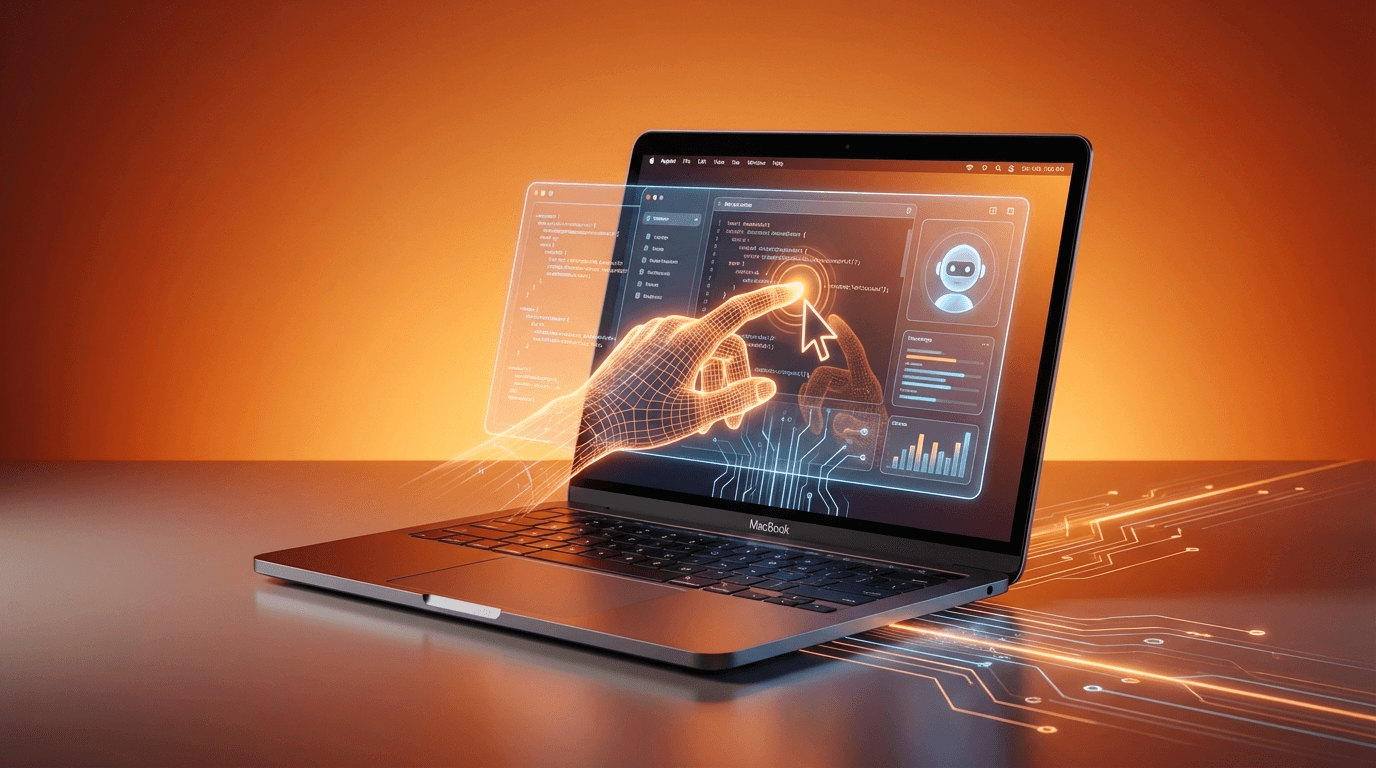
Anthropic releases computer use as a research preview for Claude Pro and Max subscribers on macOS, enabling Claude to control apps, browsers, and files directly.
Anthropic releases computer use as a research preview for Claude Pro and Max subscribers on macOS, enabling Claude to control apps, browsers, and files directly.
Key Takeaways
Anthropic announced on March 23, 2026 that Claude can now control your Mac computer directly. Available as a research preview for Claude Pro and Max subscribers, the computer use feature enables Claude to point, click, scroll, and navigate through applications and web pages to complete tasks on behalf of users. The feature works within both Claude Cowork (the desktop productivity tool) and Claude Code (the developer-focused terminal agent), and pairs with Dispatch, a mobile companion tool that lets users assign tasks to Claude from their smartphone while the AI executes them on the desktop.
This launch places Anthropic in direct competition with OpenAI's Operator, Perplexity Computer, and Meta's Manus, all of which offer similar desktop AI agent capabilities. However, Anthropic's approach is notable for its permission-first security model and its integration across both consumer and developer workflows through Cowork and Code respectively.
Feature Overview
1. Desktop Automation Through Screen Interaction
Claude's computer use works by viewing the screen and interacting with the interface the same way a human would. It can open applications, navigate browsers, fill in spreadsheets, edit files, and handle complex multi-step software tasks. When assigned a task, Claude first checks whether appropriate integrations are available (such as Google Calendar, Slack, or other connected services). If dedicated integrations are not available, Claude falls back to controlling the computer directly using the screen to navigate.
This approach gives Claude broad applicability across any application without requiring individual app integrations, though it operates more slowly than dedicated API connections when those are available.
2. Claude Cowork and Claude Code Integration
The computer use capability extends across both of Anthropic's primary desktop products. Claude Cowork, introduced in January 2026 as a desktop productivity tool for non-technical users, now gains the ability to automate visual desktop tasks. Claude Code, the developer-focused terminal agent, can now interact with graphical development tools, browsers, and other visual applications beyond its existing command-line capabilities.
For developers, this means Claude Code can now open IDE windows, navigate browser-based tools, interact with design applications, and handle tasks that previously required leaving the terminal. For general users in Cowork, it means Claude can execute multi-step workflows across different desktop applications.
3. Dispatch: Mobile-to-Desktop Task Assignment
Dispatch, launched the previous week, serves as a mobile companion that allows users to assign tasks to Claude from their phone while the AI executes them on the desktop computer. Users can message Claude in a single continuous conversation that spans phone and desktop, enabling remote task management.
The practical scenario is straightforward: a user away from their desk can open Dispatch on their phone, instruct Claude to compile a report using data from several spreadsheets, and Claude will execute the task on the Mac, navigating between applications as needed. The user receives updates and results through the same Dispatch conversation.
4. Permission-First Security Model
Anthropic implemented what it calls a permission-first approach to safety. Claude must request explicit access before touching any new application. Users can grant or deny permission on a per-application basis and can stop Claude at any time during task execution. Anthropic also states it has implemented safeguards against prompt injection attacks and automatic vulnerability scanning.
The company acknowledges that computer use is still early compared to Claude's ability to code or interact with text, and recommends users avoid exposing sensitive information during the research preview period.
5. Platform Limitations and Roadmap
The initial launch is limited to macOS only. Windows and Linux support are not yet available. The feature requires a Claude Pro ($20/month) or Claude Max ($100/month) subscription. Complex tasks may require multiple attempts, and operations are inherently slower than direct API integrations because Claude must visually parse and interact with screen elements.
Usability Analysis
The computer use feature addresses a significant gap in AI assistant capabilities: the ability to interact with any desktop application without requiring dedicated integrations. For users who work across many applications that lack API access or Claude integrations, computer use provides a universal interface.
However, the current implementation carries important caveats. Visual screen interaction is slower than API-based automation, and accuracy depends on Claude correctly interpreting screen elements. Complex multi-step workflows may require user intervention if Claude encounters unexpected interface states. The macOS-only limitation also restricts the addressable market significantly, though it aligns with Anthropic's existing Mac desktop application.
The Dispatch integration adds genuine convenience for mobile-first workflows, particularly for professionals who need to trigger desktop tasks while away from their computer. The continuous conversation model across phone and desktop eliminates the friction of context-switching between devices.
Pros
- Universal application control without requiring individual app integrations enables Claude to work across any macOS application
- Permission-first security model gives users granular control over which applications Claude can access
- Dispatch mobile companion enables remote task assignment from phone to desktop in continuous conversations
- Dual integration with Cowork and Code serves both general productivity users and developers
- Fallback architecture prioritizes dedicated integrations when available, using screen control only when needed
Limitations
- macOS only at launch, with no Windows or Linux support announced
- Research preview status means capabilities are still maturing and may produce errors on complex tasks
- Slower than API integrations because Claude must visually parse and interact with screen elements
- Requires Pro or Max subscription ($20-$100/month), limiting access for free-tier users
Outlook
Claude's computer use launch intensifies the race to build the definitive desktop AI agent. OpenAI's Operator, Perplexity Computer, and Meta's Manus have all established competing approaches, but Anthropic's dual-product strategy (Cowork for general users, Code for developers) and permission-first security model offer differentiation.
The Dispatch feature suggests Anthropic envisions a future where AI assistants are always available regardless of physical proximity to the computer. As the technology matures beyond research preview status, the combination of desktop automation and mobile control could fundamentally change how knowledge workers interact with their computers.
The key question is execution speed. Computer use through screen interaction is inherently slower than native integrations, and user tolerance for delays will determine whether this approach can scale beyond early adopters to mainstream productivity workflows.
Conclusion
Claude's computer use on Mac represents a meaningful step toward general-purpose desktop AI automation. The permission-first security model and Dispatch mobile integration show thoughtful product design, though the macOS limitation and research preview status mean the feature is best suited for early adopters willing to experiment. For Claude Pro and Max subscribers on Mac, it is worth testing on low-stakes tasks to evaluate reliability before integrating into critical workflows.
Editor's Verdict
Claude Gets Computer Use on Mac: Anthropic Launches Desktop Automation with Dispatch earns a solid recommendation within the claude space.
The strongest case for paying attention is universal application control without requiring individual app integrations, which raises the bar for what readers should now expect from peers in this space. Reinforcing that, permission-first security model with granular per-application access control adds practical value rather than just headline appeal. The broader signal worth registering is straightforward: claude's computer use positions Anthropic in direct competition with OpenAI Operator, Perplexity Computer, and Meta Manus in the desktop AI agent market. On the other side of the ledger, macOS only at launch with no Windows or Linux support is a real constraint, not a marketing footnote, and it should factor into any serious decision. Layered on top of that, research preview with potential errors on complex multi-step tasks narrows the set of teams for whom this is an obvious yes.
For Anthropic and Claude users, alignment-focused teams, and developers already invested in the Claude ecosystem, this is a serious evaluation candidate, not just a curiosity to bookmark. For everyone else, the safer posture is to monitor coverage and revisit once the use cases that matter to your team are demonstrated in the wild.
Pros
- Universal application control without requiring individual app integrations
- Permission-first security model with granular per-application access control
- Dispatch enables remote task assignment from phone to desktop
- Works across both Cowork (productivity) and Code (development) products
- Fallback architecture prioritizes faster dedicated integrations when available
Cons
- macOS only at launch with no Windows or Linux support
- Research preview with potential errors on complex multi-step tasks
- Slower than API-based integrations due to visual screen interaction
- Requires Pro or Max subscription at $20 to $100 per month
References
Comments0
Key Features
1. Desktop automation through screen interaction: Claude can point, click, scroll, and navigate any macOS application 2. Dual integration with Claude Cowork (productivity) and Claude Code (development) for broad user coverage 3. Dispatch mobile companion for remote task assignment from phone to desktop 4. Permission-first security model requiring explicit user approval before accessing new applications 5. Fallback architecture that prioritizes dedicated integrations, using screen control when needed
Key Insights
- Claude's computer use positions Anthropic in direct competition with OpenAI Operator, Perplexity Computer, and Meta Manus in the desktop AI agent market
- The permission-first security model differentiates Anthropic's approach from competitors by emphasizing user control over automation scope
- Dispatch creates a phone-to-desktop workflow that removes physical proximity requirements for AI task management
- Dual integration across Cowork and Code means both general users and developers benefit from the same underlying capability
- The fallback architecture (integrations first, screen control second) optimizes for speed while maintaining universal application coverage
- macOS-only launch limits initial reach but aligns with Anthropic's existing desktop application ecosystem
- Research preview status signals Anthropic is prioritizing user feedback over rushing to general availability
- The speed gap between screen-based automation and native API integrations remains the primary technical challenge
Was this review helpful?
Share
Related AI Reviews

Anthropic IPO Draft: $4.6B Revenue, $42B Net Loss in 2025
Reports on Anthropic's draft IPO prospectus cite $4.6B 2025 revenue, a $42B net loss, $518B in obligations and existential-risk warnings.

Claude Sonnet 5.5: 30% Faster, Up to 30% Cheaper per Task
Claude Sonnet 5.5 keeps Sonnet 5 pricing, runs 30%+ faster, and cuts per-task cost up to 30%, per Anthropic; Opus 5.5 still leads most benchmarks.
D.C. Circuit Lets Pentagon Exclude Anthropic's Claude, 2-1
A divided D.C. Circuit panel ruled 2-1 that the Department of War can exclude Anthropic's Claude from its supply chain under a 2018 security law.

Anthropic Signs $11.6B, 7-Year Cloud Deal With Akamai
Anthropic committed $11.6B over seven years to Akamai Cloud, with a stock warrant tied to spending and room to expand toward $20B.